
Six ways to make a face talk on LUVI, and the difference that decides the price
LUVI has six lip-sync families, and they do two different jobs: four animate a still portrait from an audio track, two re-drive the mouth in a video you already have. Which job you are doing also decides which clock you pay for—audio seconds or video seconds.
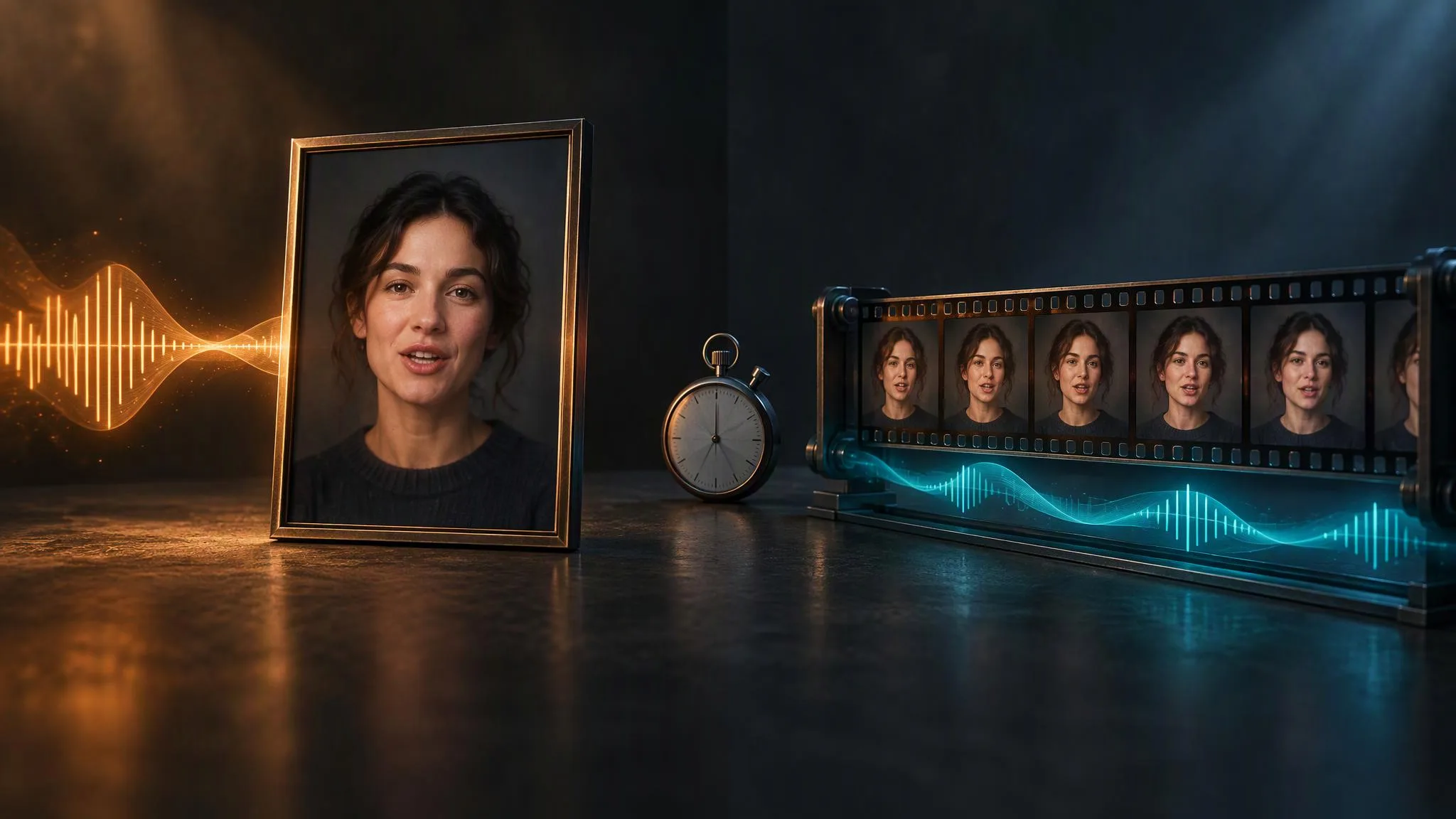
There are six lip-sync families in the LUVI catalog, and the most common mistake is picking one for a job it does not do. Four of them take a still portrait and an audio track and animate the face. Two of them take a video that already exists and re-sync its mouth to new audio. You cannot substitute one group for the other, and the group you are in also decides which clock your credits are counted against.
Which job are you doing?
Ask what you are holding. A photograph means the first group; a clip of someone already talking means the second.
A portrait plus audio, animated into a talking video:
- OmniHuman 1.5 — ByteDance's model, audio up to 60 seconds. Its authors describe it as going past mouth movement: it "transcends simple lip-sync by interpreting audio's semantic context, enabling characters to exhibit genuine emotional shifts and match gestures to their words and intent."
- VEED Fabric 1.0 and its Fast variant — audio from one second up to 300, with resolution tiers.
- InfiniteTalk — the long-form option, taking audio up to ten minutes, at 480p or 720p.
- Kling Avatar, in a standard and a pro tier, aimed at profile clips, intros and social posts.
An existing video plus new audio, with the lips re-driven:
- Sync Lipsync v3 — sync.so's model, for dubbing and voiceover, video up to 60 seconds.
- VEED Lipsync — the low-cost dubbing route, also capped at 60 seconds of video.
Which clock are you paying for?
This is the part that surprises people. In the first group the meter runs on the audio; in the second it runs on the video. Same job in spirit, two different measured quantities.
At five seconds, checked on September 22, 2026, the spread is wide:
- VEED Lipsync: from 130 credits.
- InfiniteTalk: from 60 credits per generation.
- OmniHuman 1.5: from 1,200 credits.
- VEED Fabric 1.0: from 1,650 credits, and 2,200 on the Fast variant.
- Sync Lipsync v3: from 2,200 credits.
Two practical consequences. First, dubbing an existing clip through VEED Lipsync is an order of magnitude cheaper than re-animating a portrait to the same script, so if you already have the footage, use it. Second, on the portrait models the length of your voice track is the length of your bill—trimming two seconds of silence off the front of an audio file is a real saving, and on OmniHuman it is the difference the meter actually counts.
How long can the input be?
The ceilings differ more than the prices suggest, and they are hard limits on the slot rather than guidance.
- 60 seconds: OmniHuman 1.5 (audio), Sync Lipsync v3 (video), VEED Lipsync (video).
- 300 seconds: VEED Fabric 1.0 and Fabric 1.0 Fast (audio).
- Ten minutes: InfiniteTalk (audio).
If your script runs past a minute, that single line narrows six options down to three. And if it runs past five minutes, it narrows them to one.
What do you actually feed them?
Every one of these takes exactly two inputs, and the slots are typed—an image slot will not accept a video, and the audio slot is required.
- The portrait group wants a clear, front-facing face. The same discipline that helps a photograph become a 3D mesh helps here: even lighting, no hard shadow across the mouth, nothing crossing the jaw.
- The video group wants a talking head that is already roughly in sync with something. Re-driving the lips of a shot where the speaker is turned away or partly out of frame is the usual cause of a result that looks pasted on.
- OmniHuman takes an optional text prompt for refinement; InfiniteTalk accepts one too, and adds a seed and a resolution choice. The two video-driven models take no prompt at all—the audio is the instruction.
How we checked
- Models:
bytedance/avatar-omni-human-v1.5,veed/fabric-1.0/image-to-videoand its fast variant,veed/lipsync,sync/lipsync-v3, the InfiniteTalk row, and the Kling v2.6 avatar rows. - What was read: each row's reference slots, input duration limits and parameters, and its price, taken both from the app's own catalog code and from the live public model pages.
- Date: September 22, 2026.
- Results: the "from" figures above were identical in both sources for every family. The duration ceilings come from the slot definitions: 60 seconds on OmniHuman, Sync and VEED Lipsync, 300 on VEED Fabric, ten minutes on InfiniteTalk.
- Drawbacks: No outputs were generated for this post, so it makes no claim about sync quality or likeness. The "from" figures are floors: a longer audio or video track costs more on the per-second families, so read the estimate in the Workspace before a long take.
Which one should I pick?
- You have footage and need it in another language. VEED Lipsync first, for cost; Sync Lipsync v3 when the mouth needs to hold up to a close-up.
- You have a photo and a short script. OmniHuman 1.5, for the gesture and expression work its authors describe rather than mouth movement alone.
- You have a photo and a long script. InfiniteTalk, because it is the only one that will take ten minutes of audio in one pass.
- You need a batch of short social clips from one portrait. Kling Avatar or VEED Fabric, and check the estimate for your exact length before you queue them.
In LUVI these sit in the Workspace like any other model: pick it, fill the two slots, and the credit estimate appears before you run. If you are assembling a voice track first, the audio models in the same account can make it, and the whole chain can be wired as a workflow or driven from Claude through the LUVI connector.
New here? Create a LUVI account and test with five seconds of audio before you commit a whole script.
Sources
- OmniHuman-1.5 — OmniHuman Lab, project page. Accessed September 22, 2026.
- sync.so — sync.so, product site. Accessed September 22, 2026.
- VEED — VEED, product site. Accessed September 22, 2026.
More from Comparisons
- The Negative Prompt has nearly vanished: how to exclude something without itFour of the 224 models in LUVI's catalog expose a Negative Prompt field, and they are all Qwen Image. The field disappeared because the sampling method it depends on did. Here is what replaces it on each family, and the three places where writing "no X" still works.
- Higgsfield, Krea, OpenArt and LUVI from Claude or ChatGPT: the MCP connectors comparedHiggsfield, Krea, OpenArt and LUVI Creator all run hosted MCP connectors that let Claude or ChatGPT generate on your account. They differ in whether you see the price before a run, how many models they expose, and whether the assistant gets each model's prompting guide.
- Which LUVI video models generate sound—and the one line each of them needsMost video models on LUVI now render sound in the same pass as the picture, but they disagree about almost everything else: whether the switch is on, whether it costs more, and how you write the sound. Here is the audio switch and the audio syntax for each family, checked against their schemas.