
Can you make videos in ChatGPT? Connect Veo, Kling and Seedance through LUVI
Yes, if your ChatGPT plan lets you add a custom MCP server: add LUVI under Plugins, sign in to your LUVI account, and ChatGPT can quote and run Veo 3.1, Kling, Seedance 2.5 and Nano Banana on your LUVI credits. Name LUVI and the model in the message, and ask for the quote first.
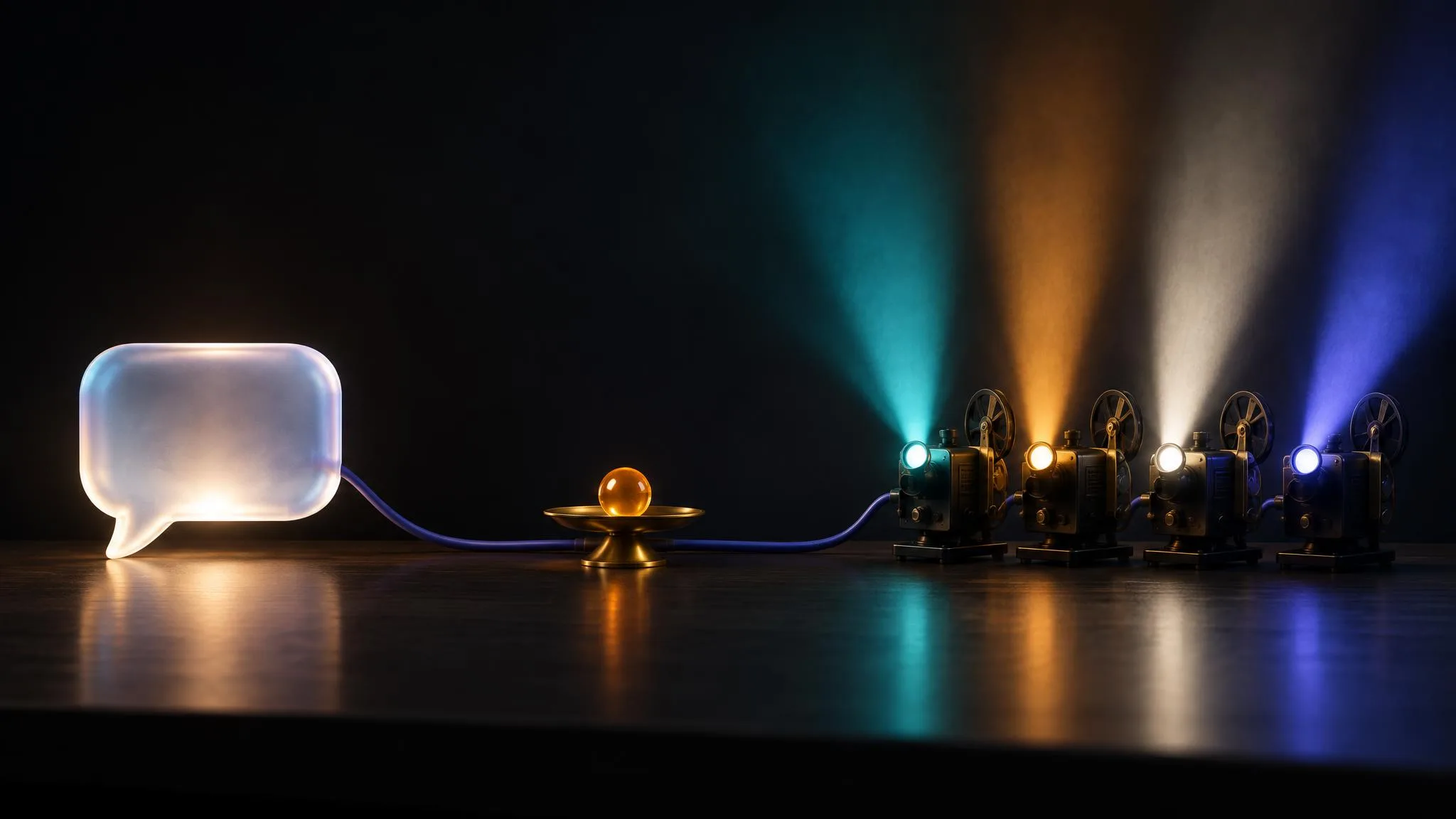
OpenAI closed the Sora web and app experience on April 26, 2026, so if you want Veo, Kling or Seedance from a ChatGPT chat, you connect a server that runs those models. LUVI is one: its MCP connector at https://www.luvicreator.com/api/mcp gives ChatGPT 36 tools over the LUVI model catalog, 235 models from 38 families on October 24, 2026. The cheapest model in each family, at its default settings, starts from 90 credits for Seedance, 425 for Kling, 800 for Veo and 76 for Nano Banana. This guide covers which plans can do it, the setup as OpenAI words it today, and how to ask so ChatGPT actually uses LUVI.
Can ChatGPT make videos on its own?
ChatGPT can make and edit images with its built-in image tool, which OpenAI's help center calls ChatGPT Images. For video, OpenAI's own app is gone: its help center says "The Sora web and app experiences were discontinued on April 26, 2026." Veo 3.1, Kling 3.0 or Seedance 2.5 reach a ChatGPT chat only through a connected server: an app from the ChatGPT directory or a custom MCP server you add yourself, such as LUVI.
Which ChatGPT plans can connect LUVI?
Plan support is set by OpenAI, and its help page states it plainly: "Custom MCP server connections and full MCP support are available for ChatGPT Business and Enterprise/Edu customers on ChatGPT web."
- Business. Only workspace admins and owners can create and publish a custom MCP server for the workspace.
- Enterprise and Edu. Admins and owners can, and they can grant the permission to selected members.
- Pro. OpenAI's page says Pro users "can connect custom MCP servers with read/fetch permissions". LUVI marks its catalog, quote and library tools as read-only;
generatespends credits, so it is not one of them. - Phone. Not possible. OpenAI answers "No - web only."
Plans and wording change, so check that page before you rely on it. If your plan doesn't qualify, the same connector works in Claude, covered in our guide to connecting Claude.
How do I add LUVI to ChatGPT?
You add LUVI as a custom MCP server from ChatGPT's Plugins page; OpenAI's current flow no longer asks you to turn on Developer Mode first.
- In ChatGPT on the web, open Plugins, select the plus button, then Add custom MCP server.
- Name it LUVI. Under Connection, enter
https://www.luvicreator.com/api/mcp. - For authentication, choose OAuth. LUVI signs you in with your own LUVI account; there is no token to paste.
- Read the risk warning, tick I understand and want to continue, then select Create as a plugin and review the tools ChatGPT discovered.
- ChatGPT opens LUVI's sign-in page. Sign in and approve the connection.
- Start a new conversation, type
@and pick LUVI.
If your ChatGPT still shows the older Apps screen, OpenAI keeps a legacy path under Settings → Apps → Create. Either way you end up with the same 36 tools, listed one by one on the connector documentation page. The LUVI help article for ChatGPT covers the search and fetch tools ChatGPT uses for research.
How do I ask so ChatGPT uses LUVI?
Name LUVI and the model in the message. When we connected ChatGPT on July 21, 2026, a plain "make an image" went to ChatGPT's own image tool; the request reached LUVI only once it said to use LUVI. OpenAI also notes that picking an app applies to one message: "@mention the app again when a follow-up needs new data or another app action."
@LUVI Quote an 8-second 16:9 clip on Veo 3.1 Fast with sound: slow push-in on a ceramic mug steaming on a windowsill at dawn, soft window light, the low hum of a kettle and birdsong outside. Generate it if it's under 2,000 credits.
The connector's instructions tell the assistant to fetch the model's prompting manual and run the free check before it generates. Settings written into the request ("16:9", "8-second", "with sound") are moved into the model's parameters, and a prompt the manual flags as one that changes the result comes back "Not started", with nothing charged.
What does it cost, and when do you see the number?
The price is in credits, shown before the run and confirmed after it.
- Before.
estimate_costreturns the credits a run will take, priced the same way the charge is. Ask for the quote first; it costs nothing. - After. Every finished generation reports
creditsCharged, the figure taken off your balance, andlist_transactionsreturns the same itemized list as your account's Billing page. A generation that has just finished can show no charge for a moment while its ledger row settles. - Ceiling. In LUVI under Account → Integrations, each connection can carry a credit limit, the most it may ever spend. ChatGPT may also ask you to confirm an action, depending on the app's permissions, which is OpenAI's own safeguard.
- Queue. When your account already has as many generations running as LUVI allows, a new one is queued instead of refused. Nothing is charged while it waits, and only a queued job can be cancelled.
Where do the results go, and how do I use my own photo?
Results land in your LUVI library, in the project you name or, if you name none, in an automatic project called after the connection, such as "ChatGPT Studio". ChatGPT follows a job with get_generation_status, which returns links to the finished file and embeds images and audio in its reply.
A file attached to the chat can't travel to LUVI, because tool calls carry text, not bytes. Ask ChatGPT for an upload link instead: get_upload_link opens LUVI's upload dialog already set to the right project, and the file goes through the normal upload path. Images can be up to 50 MB and other files up to 1 GB. The upload help article has the details.
Is LUVI the only way to do this?
No. Several multi-model platforms reach ChatGPT too, and their own pages say so:
- Krea, Higgsfield and OpenArt run hosted MCP servers and offer a ChatGPT plugin.
- Magnific, formerly Freepik, and Pollo AI list ChatGPT among the clients their MCP servers support.
- Krea's MCP can quote a request before submitting it, and Pollo's page says the agent can "estimate the expected cost before submitting a generation".
What separates them is the detail. Check which exact versions each one carries: Kling 4.0 appears on several of these sites, while LUVI's Kling line ends at Kling 3.0 and Video O3. Check whether the assistant sees the price before it spends, whether it gets each model's prompting guide, and whether a model is locked behind a higher plan.
How we checked
- What was read: OpenAI's help article on custom MCP servers in ChatGPT and its developer page on connecting a plugin, both on October 24, 2026; LUVI's connector documentation (36 tools in its title) and the tool definitions in LUVI's code; each competitor's own MCP page.
- Prices: the "from" credits per family, read from LUVI's catalog code and from the live model pages on October 24, 2026; both gave the same numbers.
- Earlier test: LUVI's own ChatGPT connection test on July 21, 2026: OAuth sign-in,
list_models,create_projectand a completed Nano Banana 2 generation. - Results: No outputs were generated for this post, so it makes no claim about output quality.
- Drawbacks: We didn't test each ChatGPT plan ourselves; the plan rules above are OpenAI's as published on October 24, 2026. The example request was run through LUVI's prompt check, not generated.
In LUVI
Add the connector once, then work in this order: ask for the model and the quote, read the number, then let ChatGPT generate. Every result is also in your LUVI library, where you can open it in the Workspace, reuse it as a reference, or carry it into a workflow.
New to LUVI? Create a LUVI account, connect it to ChatGPT, and start by asking what one clip would cost.
Sources
- Connecting custom MCP servers in ChatGPT — OpenAI Help Center. Accessed October 24, 2026.
- Connect and test your plugin — OpenAI Developers. Accessed October 24, 2026.
- What to know about the Sora discontinuation — OpenAI Help Center. Accessed October 24, 2026.
- Images in ChatGPT — OpenAI Help Center. Accessed October 24, 2026.
- Krea MCP — Krea, product page. Accessed October 24, 2026.
- What is Higgsfield MCP — Higgsfield Help Center. Accessed October 24, 2026.
- OpenArt MCP — OpenArt, product page. Accessed October 24, 2026.
- Magnific MCP — Magnific, product page. Accessed October 24, 2026.
- Pollo AI MCP — Pollo AI, product page. Accessed October 24, 2026.
Questions
Which ChatGPT plans can generate through LUVI?
OpenAI lists full MCP support, including write actions such as starting a generation, for ChatGPT Business and Enterprise/Edu on the web. Its help page says Pro users can connect custom MCP servers with read/fetch permissions.
Can I set it up on my phone?
No. OpenAI says custom MCP servers are connected on the web only.
Does ChatGPT see the price before it generates?
It can: the estimate_cost tool returns the credits a run will take, using the same pricing the charge uses, and every finished generation reports the credits it actually took.
More from Guides
- How to split an image into layers with Seedream 5.0: what comes back and how to choose the elementsSeedream 5.0 Pro and Flash turn one image into a base image plus up to 16 transparent PNG layers. Leave the prompt empty to separate every main element, or name the ones you want, even by box coordinates. The estimate shows up to 612 credits on Flash; the charge follows the layers returned.
- How to prompt Nano Banana 2.1: prose in, settings out, and no transparent backgroundNano Banana 2.1 reads plain prose and nothing else: describe what should be in the frame, never what shouldn't, and set size and shape in the controls. On LUVI it starts at 80 credits for text-to-image, 83 for an edit and 400 for its video-to-still mode, all at 1k.
- Websites to make AI images and videos: which kind of site fits which jobAI image and video sites come in three kinds: a lab's own app (Midjourney, Google Flow, Kling, Runway), a design suite with AI built in (Canva, Adobe Firefly), and a multi-model platform (Krea, Higgsfield, OpenArt, LUVI Creator). Pick the kind by your job, then the model by the shot.