
One to thirty: how many reference images your model actually takes
Of LUVI's 224 public models, 99 take no reference image at all. The rest run from a single frame up to thirty on one model, and 24 image-to-video models carry an optional end-frame slot most people never fill.
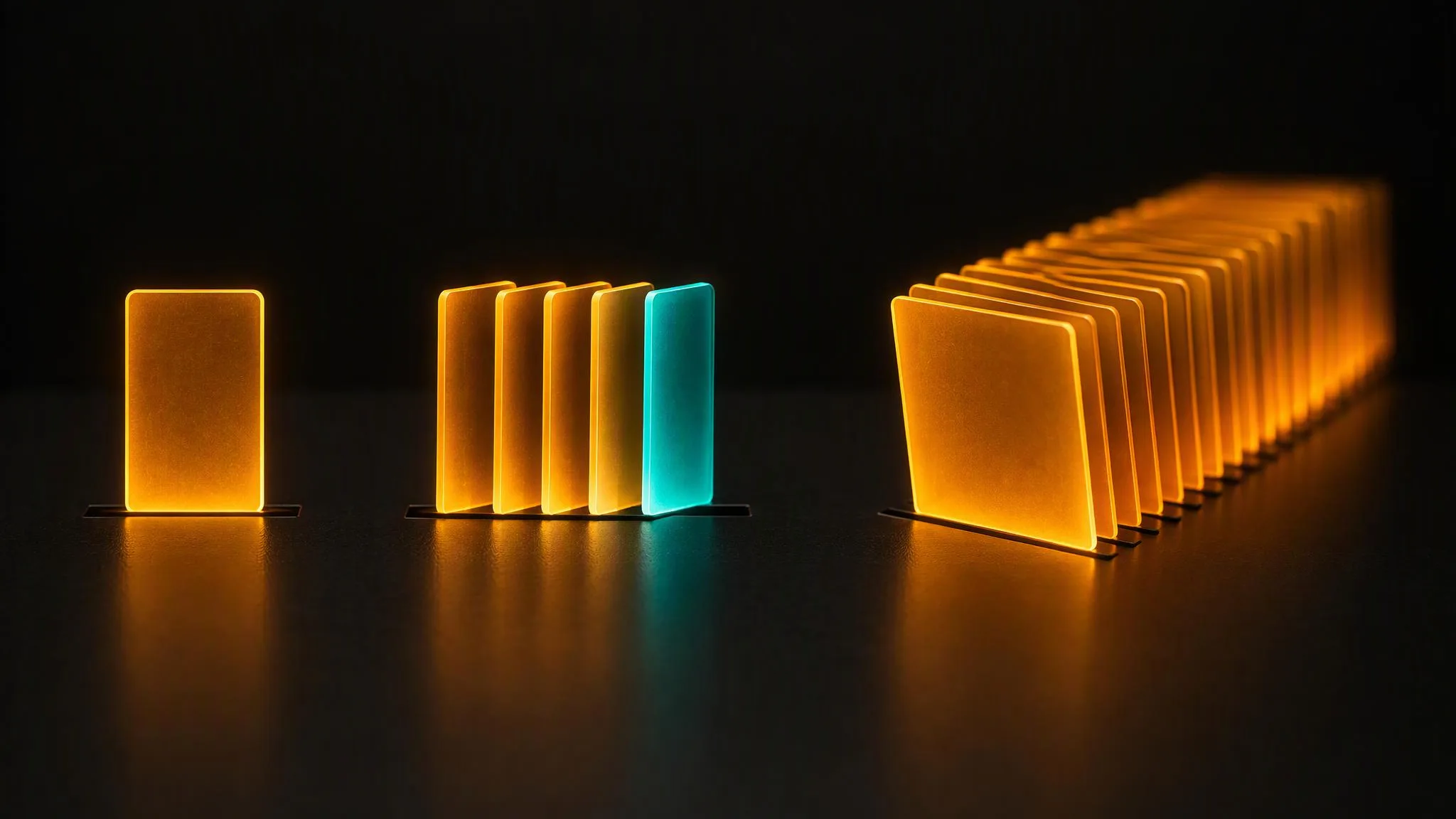
The number of reference images you can attach is not a LUVI setting. It belongs to the model, and on September 22, 2026 it ranged from one to thirty across the catalog. Ninety-nine of the 224 public models take no image reference at all; the other 125 each carry their own ceiling, and knowing yours changes how you plan a shot.
Where do the ceilings sit?
Counted by model, not by family:
- 1 image: 43 models
- 2 images: 25 models
- 3 images: 8 models
- 4 images: 15 models
- 5 to 9 images: 10 models
- 10 images: 17 models
- 14 images: 3 models
- 16 images: 3 models
- 30 images: 1 model — Seedance 2.5 Reference-to-Video
The two-image group is mostly image-to-video: a start frame and an optional end frame, which is the next section.
The ceiling belongs to the row, not the family
This is the part that surprises people. Within one family, versions disagree:
- Nano Banana 2 Edit takes 14 images, while Nano Banana 2 Reference to Image takes 4.
- Seedream v5.0 Lite Edit takes 14 — more than Seedream v5.0 Pro Edit, which takes 10.
- Veo 3.1 Reference-to-Video takes 3, one of the tighter limits in video.
So "this family accepts a lot of references" is never a safe assumption. The number is printed on each model's own page, and the workspace simply stops offering slots once you hit it.
The slot most people never fill
Twenty-four image-to-video models carry a second, optional image slot for the last frame — last_image or end_image, depending on the model. Give it a destination frame and the model has to arrive there; leave it empty and it improvises the ending.
It exists on Veo 3.1 Image-to-Video, on Kling v3.0 Pro and Std, on MiniMax H3, on Seedance 2.5, on Wan 3.0 and on Gemini Omni 1.1 Flash, among others. Worth knowing because people often go looking for a separate "start and end frame" model when the one they are already using has the slot.
References aren't only images
Across the same 224 models there are 30 slots that accept a video and 28 that accept audio. Two patterns are worth pulling out.
First, a handful of reference-to-video models accept several of each: Seedance 2.5 takes up to 10 reference videos and 10 reference audios alongside its 30 images, and MiniMax H3 Reference-to-Video takes 3 of each.
Second — and this one is easy to miss — the Wan text-to-video rows carry an optional audio slot. A model with no image input at all will still take a soundtrack or a voice track to work against.
Does a higher ceiling mean a better model?
No, and it is worth saying plainly: the ceiling describes the job, not the quality. An edit model needs room for a subject, a background, a product and a style plate, so it offers ten or more. A reference-to-video model is being asked to hold a character consistent across a shot, and three well-chosen frames of the same face often do that better than eight mixed ones would.
The practical rule is to fill the slots you have a reason for and leave the rest empty. Every image you attach is another instruction the model has to reconcile.
How we checked
- What was read: the public model catalog on LUVI — every active, published model, with its reference contract: slot key, accepted media type, maximum items, and whether the slot is required.
- Date: September 22, 2026.
- Results: 224 public models; 99 with no image slot; ceilings of 1, 2, 3, 4, 5, 7, 9, 10, 14, 16 and 30 images; 24 models with an optional end-frame slot; 30 video slots and 28 audio slots.
- Drawbacks: these are contract limits, not quality measurements. No outputs were generated for this post, so it makes no claim about output quality — including the claim that fewer, better references beat more, which comes from the models' own prompting guides rather than a test we ran.
In LUVI
Every model page in the catalog lists its reference slots with the maximum for each, so you can check the ceiling before you start collecting frames. In the workspace, the slots appear under the prompt as soon as you pick the model, and the help center walks through using reference images, videos and audio.
New accounts start with 200 credits, and verifying a phone and a card adds up to 1,500 more. You can create a LUVI account and see how far one well-chosen reference gets you before you reach for a second.
More from Inside LUVI
- New on LUVI between September 25 and October 17, 2026: 22 models, from lyrics to 3DFrom September 25 to October 17, 2026, LUVI added 22 models in eight families: Luma Ray 3.2 and Uni 1, HI3D, Seedream 5.0 layer splitting, Nano Banana 2.1, Suno v6, MiniMax Music 3.0 and MiniMax Lyrics. Prices start at 20 credits for a lyric sheet.
- The canvas checks the wiring before you pay for itA workflow graph is checked before any credit moves: an unknown port, an audio slot fed a video, an unfilled required input or a cycle is an error, and a graph with errors cannot run. That is the real difference between the canvas and generating one step at a time.
- The delete we couldn't put a dialog in front ofWhen an assistant can delete a folder for you, a confirm dialog is no longer available as a safety net. LUVI's answer was to defer the delete by 24 hours instead — and to leave the folder's contents exactly where they were, so restoring it is an undo rather than a cleanup job.