
The canvas checks the wiring before you pay for it
A workflow graph is checked before any credit moves: an unknown port, an audio slot fed a video, an unfilled required input or a cycle is an error, and a graph with errors cannot run. That is the real difference between the canvas and generating one step at a time.
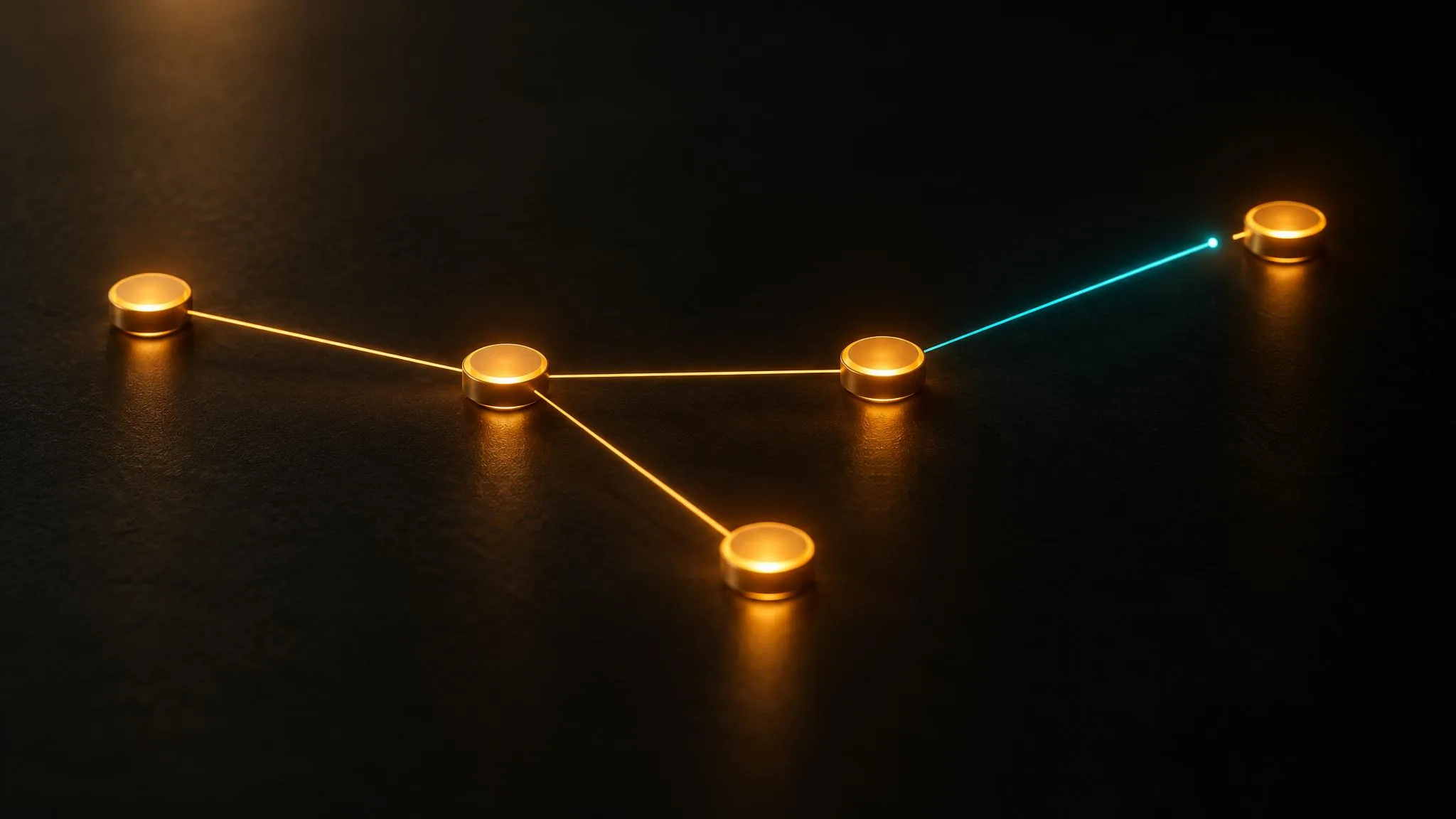
Most people meet LUVI's workflow canvas as a convenience: connect a prompt and a reference to a model, feed that model's result into the next one, press Run. That description is accurate and it misses the point. The canvas is the one surface in LUVI where a mistake surfaces before it costs credits.
The ports are the model's own parameters
A model node's input ports are not labels someone wrote for the canvas. They are the model's real parameter keys — images, video_url, audio_url, prompt. When you draw a wire into a port, you are filling that exact parameter.
This sounds like a detail and it removes a whole class of failure. There is nothing to guess and nothing to alias: a model that takes its references under images has a port called images, and a wire either lands there or it doesn't. The graph is the model's contract, drawn.
Validation happens before anything runs
Every graph is checked against the same rules on the canvas, through the connector and again when a run starts, and the check is strict. Unknown ports, wrong media kinds — an audio slot fed a video — over-filled slots, unfilled required inputs, missing prompts, unknown parameters, out-of-range values and cycles are all errors, and a graph with errors does not run. The canvas lists them in its issues panel, and it refuses a wire between incompatible kinds of port while you draw it.
The connector is stricter still about wiring. When an assistant writes a graph with a wrong port, a wrong media kind, an out-of-range value or a cycle, nothing is saved at all. Blanks, such as a required slot not yet wired or a prompt not yet written, are saved and listed, the way a half-built graph drawn by hand would be.
Compare that with generating one step at a time, where the equivalent mistakes are discovered by a model rejecting your input, or worse, by a model accepting it and producing something wrong. On the canvas the mistake is on the issues list before Run does anything.
The estimate is honest about what it can't know
Pressing Estimate prices the whole graph through exactly the same path the actual charge uses, so what you see is what the run will draw on.
Some nodes can't be priced exactly in advance, and the estimate says so rather than quietly counting them as zero. A node fed by an earlier node is quoted as a floor, because its input does not exist yet: a lip-sync step priced by audio a step above it will generate, or an edit step on a model that charges for each input image. Speech billed by the length of its text follows the final text. A model that holds a ceiling and settles to what it returns, such as a voice model held at two minutes of audio, is quoted at that hold. All of these come back flagged approximate.
That is a small design choice with a large consequence: an estimate that silently rounds the unknown parts to zero is worse than no estimate.
A failed node doesn't take the graph with it
This is the behavior most people assume works the other way. When a node fails, it skips the nodes that depend on it — and independent branches keep running. One bad generator does not abort six others.
If you fan one prompt out to four models to compare them, a model that rejects your prompt costs you that branch and nothing else. The other three finish.
What a run reports is what you were charged
When a run reports credits, that number is read back from your own ledger — the same number your balance moved by — rather than carried over from the estimate. The estimate is a forecast; the run's figure is the record.
Two more things worth knowing
Give every generator a place to show its result. A model node whose out port reaches no media node gets a warning. The result still lands in your library, but without a media node you can't see it on the canvas or pass it on to the next step.
Changing a saved node's model is a hard break. The parameter keys change with the model, so existing wires may no longer point anywhere. Rather than silently dropping them, the change comes back with a proposal naming exactly which wires to move.
How we checked
- What was read: LUVI's workflow graph validation, its whole-graph estimate, its executor and its wiring contract, plus the connector's workflow tools as they are documented on the MCP page.
- Date: September 22, 2026, re-checked October 20, 2026.
- Results: port ids equal to the model's parameter keys; one validation shared by the canvas, the connector and the run, with any error blocking the run and wrong wiring from the connector not saved; whole-graph estimate through the same path as the charge, with unquotable nodes flagged approximate; a failed node skipping only its dependents; run credits read from the ledger; a generator with no media node flagged with a warning while its result still reaches the library.
- Drawbacks: this describes the mechanics. No outputs were generated for this post, so it makes no claim about output quality, and we did not measure how much a validated graph actually saves in practice.
When the canvas is worth it
Not for a single image. The workspace is faster when you want one thing and want it now.
It earns its place the moment a mistake would be expensive: several steps chained together, the same reference reused across shots, or one prompt fanned out to several models. Those are exactly the cases where finding out at step four that step one was wired wrong is the costly outcome — and the canvas is built so that you find out at step zero instead.
New accounts start with 200 credits, and verifying a phone and a card adds up to 1,500 more. You can create a LUVI account and build a graph before you spend anything on running it.
More from Inside LUVI
- New on LUVI between September 25 and October 17, 2026: 22 models, from lyrics to 3DFrom September 25 to October 17, 2026, LUVI added 22 models in eight families: Luma Ray 3.2 and Uni 1, HI3D, Seedream 5.0 layer splitting, Nano Banana 2.1, Suno v6, MiniMax Music 3.0 and MiniMax Lyrics. Prices start at 20 credits for a lyric sheet.
- The delete we couldn't put a dialog in front ofWhen an assistant can delete a folder for you, a confirm dialog is no longer available as a safety net. LUVI's answer was to defer the delete by 24 hours instead — and to leave the folder's contents exactly where they were, so restoring it is an undo rather than a cleanup job.
- Vertical, and how long? Where frame shape and clip length actually liveEvery one of the 45 video models on LUVI that offers a choice of frame shape offers 9:16. The other 94 set it somewhere else — in a parameter, in a pixel size, or from your reference image. Clip length runs from 5 seconds to 30 in a single call.