
Vertical, and how long? Where frame shape and clip length actually live
Every one of the 45 video models on LUVI that offers a choice of frame shape offers 9:16. The other 94 set it somewhere else — in a parameter, in a pixel size, or from your reference image. Clip length runs from 5 seconds to 30 in a single call.
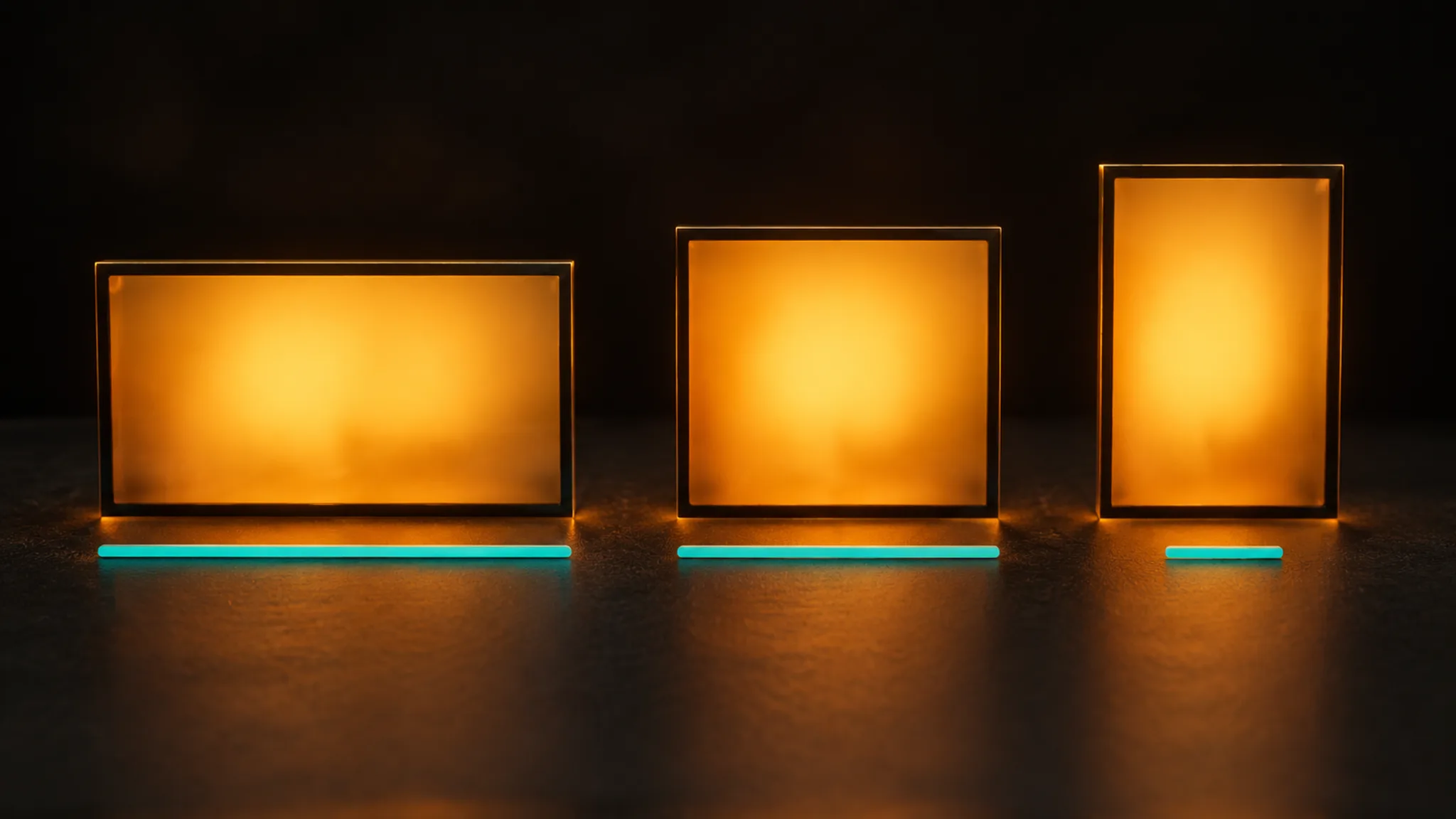
Two questions come up before any other when you pick a video model: can I get it vertical, and how long can the clip be? On September 22, 2026 the catalog held 139 public video models, and the answers turn out to live in different places depending on which one you open.
Can I get vertical?
Yes on every model that lets you choose at all. Forty-five video models declare a list of frame shapes, and 9:16 appears in all forty-five — the same count as 16:9. Beyond those two, 33 offer 4:3, 1:1 and 3:4, twenty offer 21:9, and a handful reach 4:5, 5:4, 2:1 and 9:21.
The other 94 models don't declare a list, and that is where it gets interesting, because it doesn't mean they are stuck on landscape.
Where the shape hides on the other 94
Three places, and it is worth knowing which one you are in:
In a parameter. Twenty-two of the 94 carry the choice as an ordinary model setting rather than a frame-shape control. Seedance v1.5 Pro and Kling v3.0 use aspect_ratio; Wan 3.0 Text-to-Video uses ratio, and its default is adaptive — meaning it decides unless you say otherwise. The Wan 2.5 and 2.6 rows go further and spell the shape as pixels: 1280*720 is the wide one, 720*1280 the vertical one.
In your reference image. Fifty-three of the 94 require an image, and an image-to-video model takes the shape from the frame you hand it. Crop the still to 9:16 before you attach it and the clip comes out vertical. This is the most common case in the catalog and the one people most often go looking for a setting for.
Nowhere. A few models have no shape control at all. Hailuo-2.3 t2v Pro exposes exactly one parameter — prompt expansion — and nothing else; whatever shape the model produces is what you get.
How long can one clip be?
Thirty seconds is the ceiling in a single call, and nine models reach it: Seedance 2.5 across text, image and reference, and the Wan 3.0 and Wan 3.0 Prime rows. Below that:
- 20 seconds: the FLUX 3 Video family, including its extend and keyframes rows
- 16 seconds: Vidu Q3-Pro
- 15 seconds: a large middle group, including Kling v3.0 and PixVerse v6
- 10 seconds: the most common single ceiling in the catalog
- 8 seconds: the whole Veo 3.1 family
- 6 seconds: Hailuo 02 Pro
- 5 seconds: Wan 2.2 Turbo
Twenty-two video models take no duration parameter at all. Those are mostly the jobs where the length is decided by something you supply — a lip-sync model runs as long as your audio, a video-edit model as long as your source clip.
One oddity worth knowing: the Seedance 2.0 rows accept -1 as a duration. Its own parameter description reads "Video duration in seconds (4-15), or -1 for model to choose automatically." It is the only place in the catalog where handing the decision back to the model is an explicit setting rather than a default.
What this means in practice
If you are making vertical, decide the shape before the first generation, not after. On a model with a frame-shape control it costs nothing to switch; on an image-to-video model it means cropping the still first; and on a pixel-size model it means picking 720*1280 rather than assuming a ratio control exists somewhere.
If you need a long shot, the choice narrows fast. Below 30 seconds the practical options thin out around 15, and past that you are choosing between a handful of families — or extending a clip you already have on one of the models built for that, which is a different job with its own price.
How we checked
- What was read: the public model catalog on LUVI — every active, published model, with its declared frame shapes, its parameter contract (keys, enums, defaults, ranges) and its reference slots.
- Date: September 22, 2026.
- Results: 139 public video models; 45 declaring frame shapes, all 45 including 9:16; 22 of the remaining 94 carrying the shape as a parameter; 53 of the 94 requiring an image reference; duration ceilings from 5 to 30 seconds; 22 models with no duration parameter.
- Drawbacks: these are contract limits. No outputs were generated for this post, so it makes no claim about output quality — including how well any model holds a composition at 9:16, or how a 30-second clip compares with a 10-second one from the same family.
In LUVI
Every model page in the catalog lists its frame shapes and its duration options, so you can check both before you start. In the workspace, the shape control appears above the prompt when the model has one, and the credit estimate above the Generate button moves as soon as you change the duration — which is the fastest way to see what a longer clip costs on that model. The help center covers setting the aspect ratio and the number of results.
New accounts start with 200 credits, and verifying a phone and a card adds up to 1,500 more. You can create a LUVI account and find out what your shot needs before you commit to a model.
More from Inside LUVI
- New on LUVI between September 25 and October 17, 2026: 22 models, from lyrics to 3DFrom September 25 to October 17, 2026, LUVI added 22 models in eight families: Luma Ray 3.2 and Uni 1, HI3D, Seedream 5.0 layer splitting, Nano Banana 2.1, Suno v6, MiniMax Music 3.0 and MiniMax Lyrics. Prices start at 20 credits for a lyric sheet.
- The canvas checks the wiring before you pay for itA workflow graph is checked before any credit moves: an unknown port, an audio slot fed a video, an unfilled required input or a cycle is an error, and a graph with errors cannot run. That is the real difference between the canvas and generating one step at a time.
- The delete we couldn't put a dialog in front ofWhen an assistant can delete a folder for you, a confirm dialog is no longer available as a safety net. LUVI's answer was to defer the delete by 24 hours instead — and to leave the folder's contents exactly where they were, so restoring it is an undo rather than a cleanup job.