
One character, six shots: keeping a face consistent across a sequence
Most video models on LUVI have no seed, so two identical submissions come back as two different people. Identity lives in the reference slots instead—and every family names them differently. Here is how many references each one takes and how to chain shot to shot.
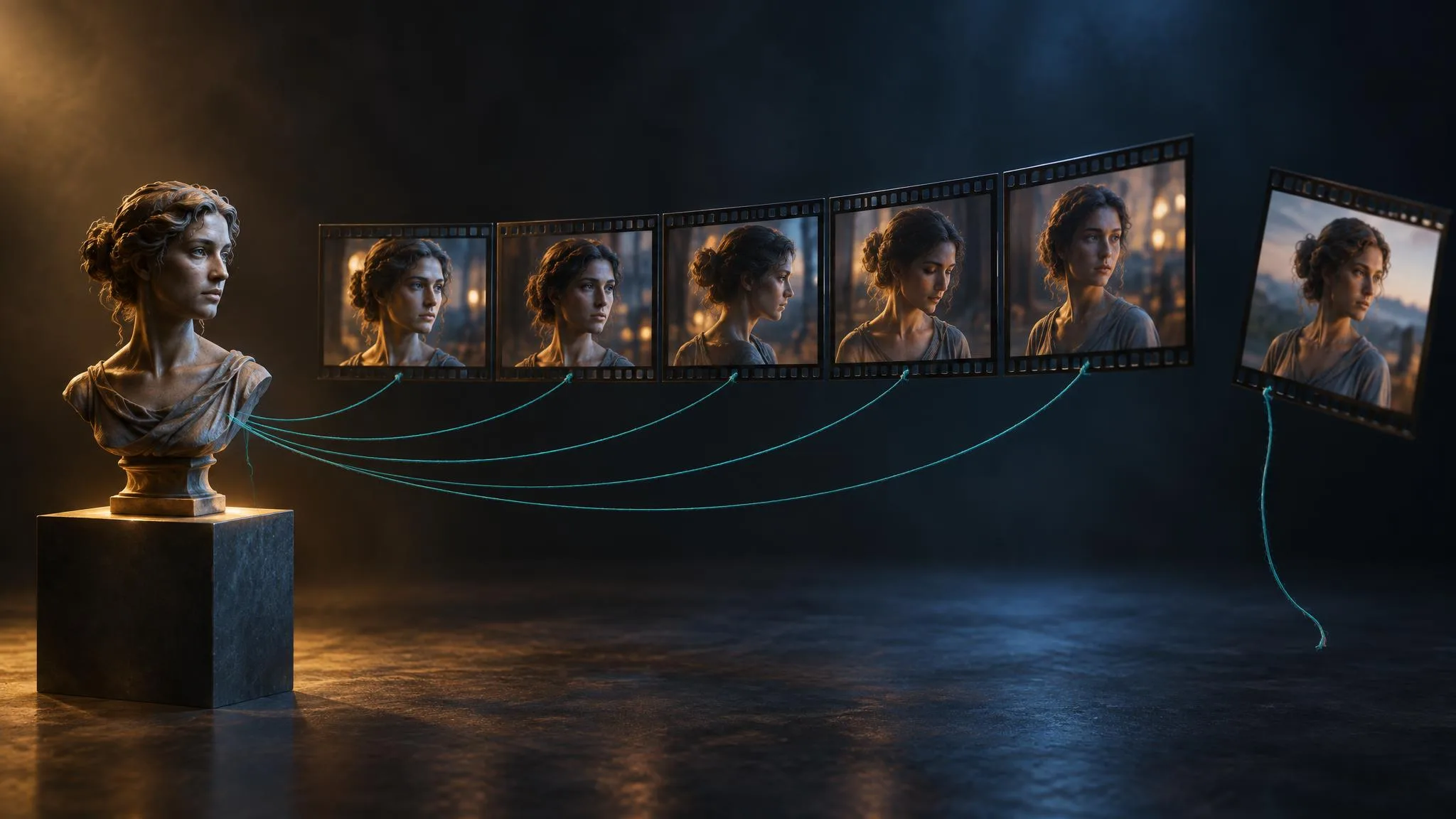
The first thing to understand about a multi-shot sequence is that you cannot get it by running the same prompt six times. Of the 224 models in the LUVI catalog, only 76 expose a seed, and on the video families that do not, two identical submissions come back as two different people wearing two different coats. Consistency is not something you ask for in words. It lives in the reference slots, and those differ on every family.
How many references does each family take?
More than most people use, and of more kinds than most people know about. Checked against the live model contracts on September 22, 2026:
- Seedance 2.5 reference-to-video takes up to 30 reference images, 10 reference videos and 10 reference audios—three separate typed slots, none of them required.
- Gemini Omni 1.1 Flash reference-to-video takes up to 10 reference images and 3 reference videos.
- MiniMax H3 reference-to-video takes up to 9 images, 3 videos and 3 audios.
- HappyHorse 1.1 reference-to-video takes up to 9 images.
- Kling Video O3 reference-to-video takes up to 7 images plus one video.
The reference-video and reference-audio slots are the underused ones. A reference video can carry motion, pacing or a camera path; a reference audio can carry a voice timbre. On the families that accept them, they do work that no amount of prose will do.
How do you name the reference in the prompt?
Every family has its own binding syntax, and using the wrong one is the most common reason a reference appears to be ignored. From the guides LUVI runs for each family:
- Seedance 2.5: number every supplied asset in upload order and state each one's job on an asset-reference line, then refer to them as
@Image 1and so on. - HappyHorse: supplied subjects are addressed as
character1,character2, and identity is bound in words alongside them—"face, hair and wardrobe unchanged". - Wan: the reference is used as a noun in the sentence—"The cat in Image 1 plays in the room in Image 2."
- MiniMax H3: references get a whole grammar of their own, with
<Subject 1>definitions, aretention_analysisline that gives each asset a typed strength, and an explicit note of what each asset must not carry. - FLUX 3 Video has no binding token at all. Its manual is explicit: there is no
@keyframe1syntax, and identity is held by a verbatim-identical subject paragraph repeated in every shot.
If you are unsure which applies, the model's own contract will tell you the slot key, and the feather button will tell you the prompt syntax.
How do you chain one shot into the next?
Three mechanisms, in rising order of reliability.
- Carry the last frame forward. Seedance 2.5 has a
return_last_frameparameter that also returns the final frame as a separate still image. That still is the natural input for the next shot's image slot, which is the closest thing to a real edit point that these models offer. - Repeat the description verbatim. Not paraphrased—verbatim. The same subject paragraph, word for word, in every shot. This is the only identity mechanism FLUX 3 Video has, and it helps everywhere.
- Put the cuts inside one generation. Where the family supports multi-shot in a single render—FLUX 3 Video with
HARD CUT, HappyHorse with timecoded shot headers, Seedance 2.5 with shot-ordered beats—continuity is enforced by the model instead of hoped for by the prompt. One four-shot generation will hold a face better than four one-shot generations ever will.
What does a six-shot sequence cost?
On Seedance 2.5 reference-to-video, a five-second shot at 720p estimates at 3,030 credits, so six of them is about 18,180 credits before any re-takes. That number is the argument for two habits.
First, lock the character before you spend anything on motion. Generate the reference stills on an image model, where a picture costs a couple of hundred credits rather than a couple of thousand, and only move to video when the face is one you would be happy to see six times.
Second, use the cheap rungs while you are still deciding. Seedance 2.5 renders at 480p for 0.465 times the 720p rate and at 1080p for 1.968 times it, so a full six-shot rehearsal at 480p costs less than three shots at 720p. Duration runs from 4 to 30 seconds on this row, which means a long shot is a real alternative to two short ones.
How we checked
- Models: every published reference-to-video row in the catalog, read through the app's own catalog code, plus the live model contracts for Seedance 2.5, Gemini Omni 1.1 Flash, MiniMax H3, HappyHorse 1.1 and Kling Video O3.
- What was read: each row's reference slot keys, accepted media types and item limits; the parameter lists; and the prompting guides LUVI runs for each family.
- Date: September 22, 2026.
- Results: the slot counts above, the seed count (76 of 224 public models), and 3,030 credits for a five-second Seedance 2.5 reference-to-video shot at 720p, confirmed against the live model page.
- Drawbacks: No sequences were generated for this post, so it makes no claim about how well any family actually holds a likeness. The multipliers for 480p and 1080p are the model's own documented figures, not our measurement.
In LUVI
Reference slots are typed in the Workspace, so an image will not drop into a video slot by accident, and the panel shows you how many the model will take. Fill them, write the prompt in the family's own binding syntax, and press the feather button first—LuviTransLex applies that family's guide, and reference binding is exactly the kind of thing it rewrites deterministically.
For a sequence you will iterate on, a workflow is the right shape: the reference node feeds every shot, so swapping the character means changing one input rather than six. Workflows are desktop only. The same graph can be built and run from Claude through the LUVI connector, which is useful when the shot list already exists as text.
New here? Create a LUVI account and rehearse the whole sequence at the cheapest resolution before you commit to the real one.
Sources
- Seed Models — ByteDance Seed, model index. Accessed September 22, 2026.
- Veo — Google DeepMind, model page. Accessed September 22, 2026.
More from Workflows
- How to turn a horizontal video vertical without cropping itLuma Ray 3.2 Reframe keeps your whole 16:9 frame and generates the missing picture above and below it for 9:16. On LUVI it costs 264 credits per second of source at 720p. Keep each clip to 10 seconds and stay at 720p for vertical, where Luma doesn't offer 1080p yet.
- Pose, Shot and Style nodes: a body, a frame and a look added to your promptOn LUVI's workflow canvas, a Pose node adds one of 740 body descriptions, a Shot node one of 600 still compositions and a Style node one of 1,060 Prompt Lab cues to whatever text flows through it. The three nodes are free; you pay only for the generator they feed.
- From lyrics to a finished song in LUVI: MiniMax Lyrics, then Music 3.0 or Suno v6Write the words with MiniMax Lyrics Generation (20 credits), then turn them into a song with MiniMax Music 3.0 (300 credits, one track up to five minutes) or Suno v6 in custom mode (264 credits for two takes). The lyric sheet's section tags carry straight over.