
How to prompt MiniMax H3: write a three-field document, not a caption
MiniMax H3 reads a prompt as three named fields and fills any sound field you leave out with sound you didn't ask for. The document shape, the camera sentence, the dialogue tag and the defaults that catch people out, from 2,080 credits for eight seconds.
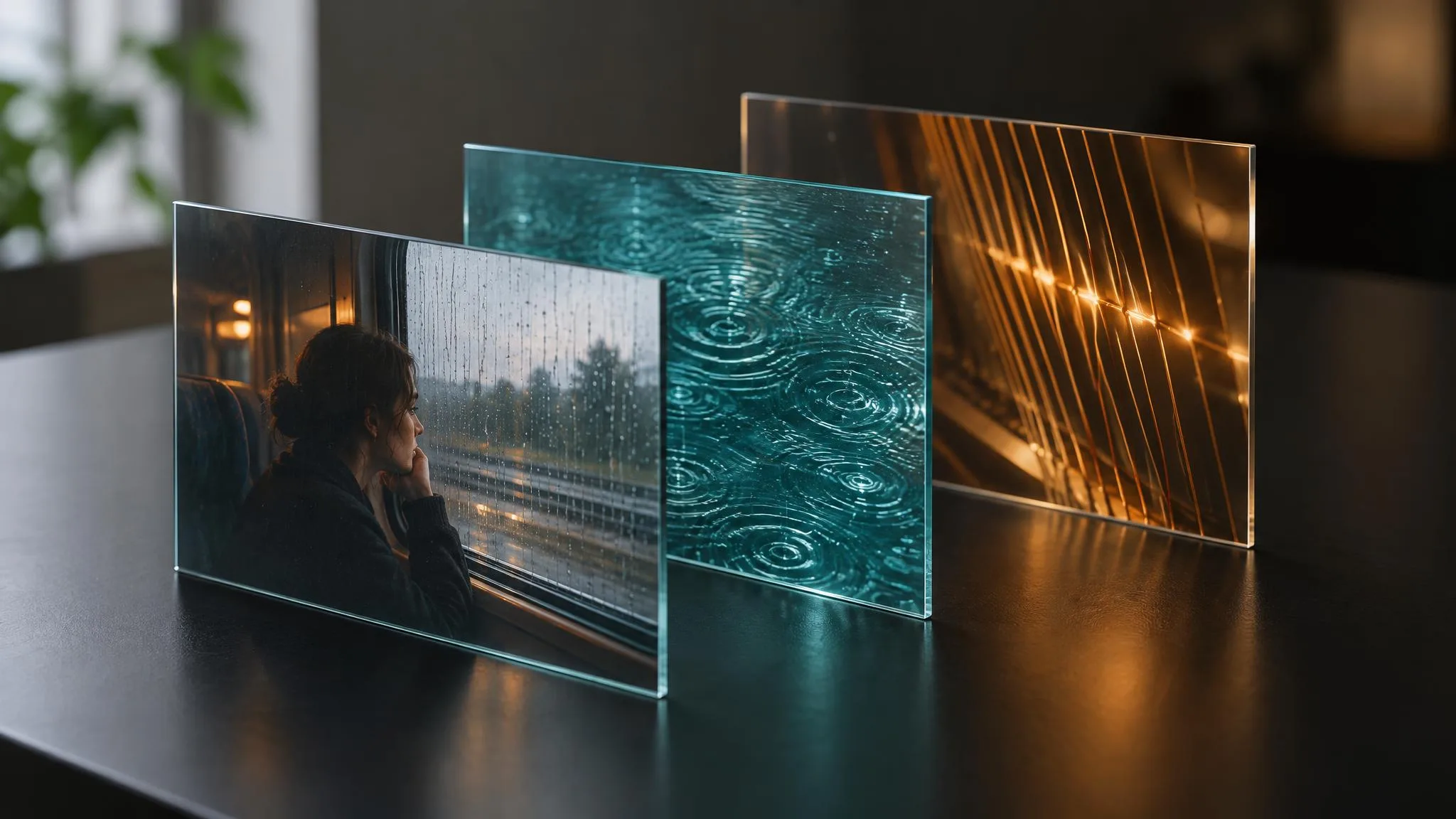
MiniMax H3 is MiniMax's joint audio-video model: voice, sound effects and music are generated in the same pass as the picture, every time. On LUVI it comes in three tiers. MiniMax H3 runs text-to-video, image-to-video and reference-to-video from 2,080 credits for an eight-second clip at its default 2K. H3 Max starts at 1,216 credits at 768P, and H3 Fast at 700 credits at 480P, both for eight seconds (prices checked October 20, 2026). What all three have in common is the thing this post is about: H3 doesn't want a caption. It wants a document with named fields, and it fails quietly when you hand it anything else.
What are the three fields?
A MiniMax H3 prompt is three fields, written with their exact lowercase names, each followed by a colon, with a blank line between them:
integrated_multimodal_description:the picture and everything the characters hear or say, shot by shot.overall_soundscape:one to four sentences of ambience, the sounds of physical actions and non-verbal human sounds. No dialogue, no music the characters can hear.non_diegetic_music:one to three sentences on the score: instruments, tempo, rhythm, how it changes. No mood words.
The rule that matters most: always fill both sound fields. An omitted field isn't read as silence; LUVI's guide for the family records that H3 fills it with sound you didn't ask for. Silence is written as the literal N/A. MiniMax's own guide reserves it carefully: N/A in the music field "when there is no non-diegetic music", and in the soundscape field only "when the user explicitly requests complete silence throughout the video".
integrated_multimodal_description: [Shot 1] Cinematic, live-action, a medium shot frames a woman in a grey wool coat at a rain-streaked train window, holding a folded letter. The camera pushes in with small amplitude at slow speed toward the letter in her hands. The woman with a quiet, breathy voice (S1) says: <d>[English] I get off at the next station.</d> [Shot 2] At 00:04.500, the camera cuts to a close-up of her hand slipping the letter into her coat pocket. No dissolves, no morph transitions.

overall_soundscape: The train wheels keep a steady metallic rhythm beneath a low ventilation hum. Rain ticks against the window while paper rustles softly in her hands.

non_diegetic_music: A single sustained cello note enters softly and swells slowly under the second shot.
"Cinematic" appears once, as the style word at the head of Shot 1. Everywhere else LUVI's guide treats it, and "beautiful", as words that stand in for a description instead of giving one.
How do I write the camera?
On MiniMax H3 the camera is a sentence inside the shot, built from a move, an optional amplitude and an optional speed. MiniMax's prompt guide is explicit: "Camera motion should be written as a natural English action within the shot, rather than stacked as separate labels at the end of a sentence."
- Twelve moves: zoom in or out, push in or pull out, pan, truck, tilt, pedestal, arc shot, tracking shot, static shot, shake, POV and roll.
- Four modifiers: with small amplitude, with large amplitude, at slow speed, at fast speed. Medium amplitude and normal speed have no words; you leave them out.
- One shot, one move. A second move costs a cut:
[Shot 2] At 00:04.500, the camera cuts to …. Shot 1 carries no timestamp; later ones count up in minutes, seconds and milliseconds. - Zoom isn't push. Zoom changes the focal length while the camera stays put; push in moves the camera. Lens numbers aren't read: write "shallow depth of field".
If your habits come from Hailuo's bracketed commands, the Hailuo vs MiniMax H3 camera comparison shows why [Push in] does nothing here.
How do I write dialogue, and in which languages?
Dialogue on MiniMax H3 is a tagged block: the spoken words sit inside <d> tags with a language label, and everything about the delivery sits outside them. The woman with a quiet, breathy voice (S1) says: <d>[English] I get off at the next station.</d> The speaker ID (S1, S2) stays the same across shots.
- Languages. MiniMax's model card lists stable support for eleven: Arabic, Chinese, English, French, German, Italian, Japanese, Korean, Portuguese, Russian and Spanish, adding that other languages work "to varying degrees". For a language outside the eleven, Turkish included, LUVI's guide writes the shot without a dialogue block, describes the speaking physically, and leaves the voice to be recorded and laid in afterwards.
- Density. A sentence or two per five seconds. Write more and the delivery speeds up; write less and the model fills the gap with speech of its own.
- Voiceover. Use the exact phrase "says in an off-screen voiceover" and follow it with a line saying the lips stay closed, or the on-screen character mouths the words.
- On-screen text goes in straight double quotes, verbatim:
A red neon sign reading "OPEN" glows above the doorway.
Why was my H3 request blocked?
The most common reason is a proper noun. LUVI's guide for MiniMax H3 records that character names, film titles, studio names and celebrities trip the input moderation and block the request outright. Describe the look instead: the silhouette, the coat, the haircut. A director's style is safe ("the Hitchcock camera movement"); a person's name is not.
Two smaller habits also cost renders. Symbols in the prose—arrows, slashes, plus signs—can be painted into the frame, so write "then" instead of an arrow. And a face far from the camera degrades at any resolution, so keep faces that must read at medium shot or closer.
Which H3, and which settings?
The tier decides which modes and resolutions you get, and two defaults deserve a deliberate choice.
- H3 renders at 480P, 768P or 2K, defaulting to 2K, for 4 to 15 seconds. Its reference-to-video mode takes up to nine images, three videos and three audio clips in one request.
- H3 Max renders at 480P or 768P natively. Its 1440p and 4K options are labeled as upscales, clips run 5 to 15 seconds, and it has no reference-to-video mode.
- H3 Fast renders at 480P only, 5 to 15 seconds, and is the cheapest way to block out a shot.
- Aspect ratio. On text-to-video the default is 1:1, so set 16:9 or 9:16 yourself. On image-to-video the ratio follows your image; crop it before you upload.
- Resolution values are case-exact:
768Pwith a capital P.
Image-to-video also takes an optional end frame. With two frames, H3's own guide asks for an alignment line at the top of the prompt that pins Picture 1 to 0.00 seconds and Picture 2 to the clip's end, then a description of the path between them. LUVI's guide adds one rule: don't cut in that mode, because one continuous shot is what lets the model interpolate.
How we checked
- Models: MiniMax H3, H3 Max and H3 Fast in text-to-video, image-to-video and reference-to-video, as listed in LUVI's catalog.
- What was read: the live parameter contracts and credit prices in LUVI and on the public model pages, LUVI's prompting guide for the family, MiniMax's H3 prompt-writing guide and the H3 model card on GitHub, on October 20, 2026. The example prompt passed LUVI's prompt check for H3 text-to-video.
- Results: from 2,080 credits for eight seconds on H3 at 2K, 1,216 on H3 Max at 768P and 700 on H3 Fast at 480P. No outputs were generated for this post, so it makes no claim about output quality.
- Drawbacks: the proper-noun block and the invented sound in an empty field are recorded in LUVI's guide for the family, not in a published test by MiniMax.
In LUVI
Select an H3 model in the Workspace and press the feather beside the prompt: it checks and rewrites your draft against the prompting guide for the family, including the field structure and the prose camera. Claude and ChatGPT read the same guide through the LUVI connector. If your clip needs a reference face or voice, using reference images, videos and audio explains the slots.
New accounts start with 100 credits, and verifying a phone and a card adds up to 1,500 more. You can create a LUVI account and block the shot on H3 Fast before you spend on 2K.
Sources
- H3 prompt-writing guide — MiniMax, official repository on GitHub. Accessed October 20, 2026.
- MiniMax H3 model card — MiniMax, official repository on GitHub. Accessed October 20, 2026.
More from Guides
- Change one word on a finished image with GPT Image 2.5—and keep everything elseTo fix a price, date or name on a finished image, use a GPT Image 2.5 edit model: state the one change with both strings in quotes, then list what must stay. The whole frame is redrawn, so the rest looks the same but is not pixel-identical. From 49 credits an edit.
- Can Claude generate images and videos? Not on its own—here is how to do it with a connectorClaude doesn't generate photos, illustrations or video footage itself, Anthropic's help center says. Add LUVI Creator as a custom connector and Claude can quote and run 200+ image, video, audio and 3D models on your LUVI credits, with the price shown before each run.
- How to prompt Gemini Omni 1.1 Flash: ask for one take, and never quote the dialogueGemini Omni 1.1 Flash cuts a clip into several shots unless your first sentence asks for one continuous take, and it can print quoted speech on screen. The prompt shape LUVI's guide enforces in all five modes, from 1,980 credits for a ten-second clip at 720p.