
How to prompt Seedance 2.5 — and why the Seedance 2.0 habits break it
Seedance 2.5 reads integer-second timestamps, typed audio channels and one camera move per shot. Most bad results come from prompting it like Seedance 2.0. Here is the structure that works, taken from the guide we run inside LUVI.
Seedance 2.5 is ByteDance's joint audio-video model — picture and sound in one render. On LUVI it runs as text-to-video, image-to-video and reference-to-video, at 480p, 720p and 1080p, from 3,030 credits for a five-second clip. It also has the sharpest inversion of prompt rules we have seen inside one model family: several things that are law on Seedance 2.0 are wrong on 2.5. This is the structure our prompting guide enforces, with the reasons.
The four-part structure
A 2.5 prompt is not a caption. It has four parts, in this order:
- Asset line (media modes only). Number every image, video or audio you supplied, in upload order, and say what each one contributes: "@Image 1 defines the artist's face, hair and dark green apron — only her face, hair and clothing, never its background."
- One-line summary. Subject, place, event, genre or style, and any special camera move.
- Beat body, split by integer seconds.
- Audio, written as content in typed channels.
Sixty to a hundred words carries a single beat; a timed multi-shot runs 150–250. The hard ceiling is 1,000 English words, but nothing good happens past 300.
Do timestamps work on Seedance 2.5?
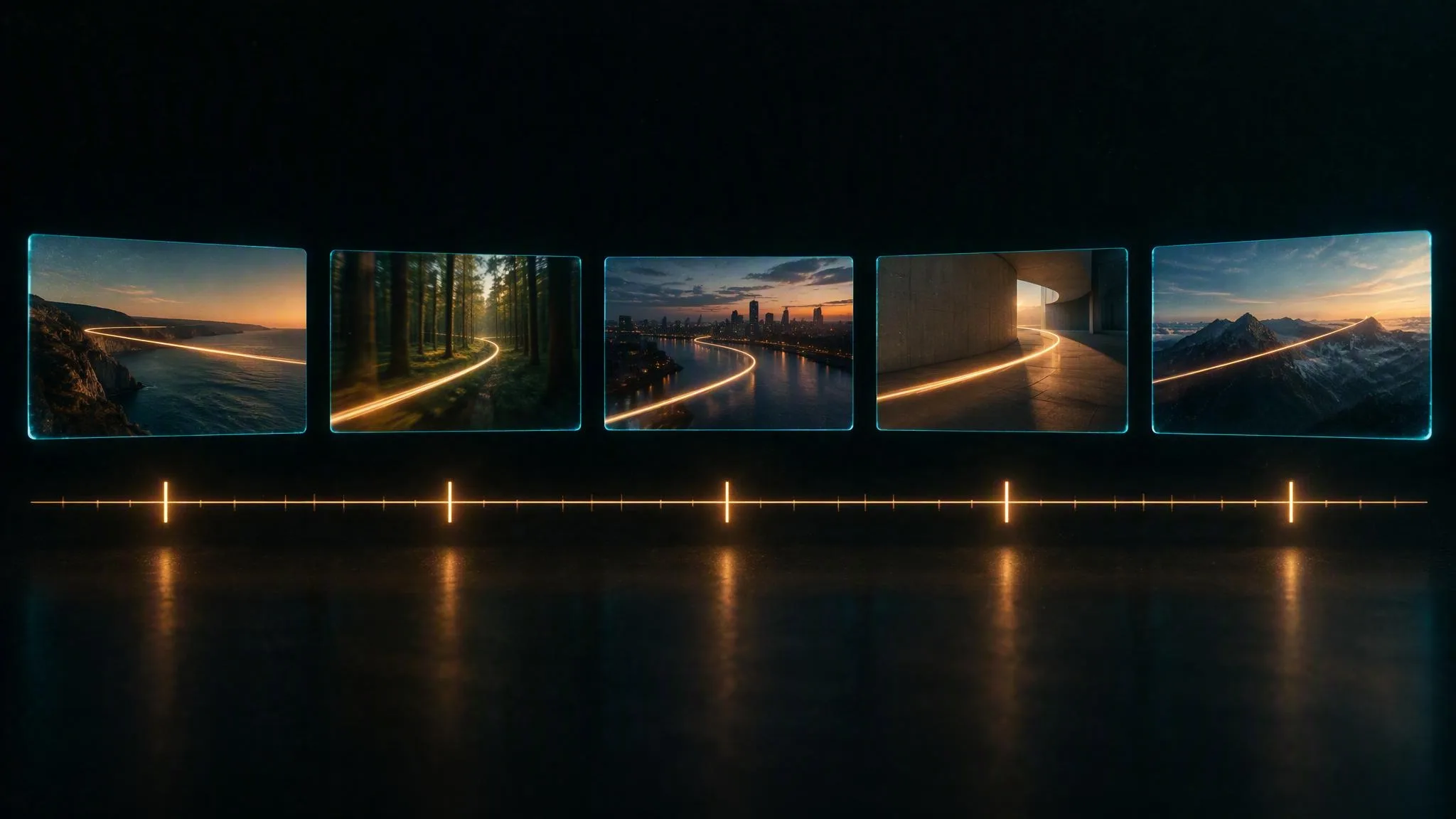
ByteDance's own documentation says it plainly: 2.0 does not respond to timestamps and only responds to shot numbers; 2.5 supports integer-second timestamps. Three forms are honoured — intervals ("0–3 seconds… 3–7 seconds…", continuous, no gaps), points ("at the 5-second mark") and relative marks ("after 3 seconds").
The hybrid header ByteDance uses in its examples is the safest multi-shot form:
Shot 1 (0-3s): extreme wide shot, ultra-low camera position, a lone cyclist crests a ridge at golden hour…
Shot 2 (3-7s): medium close-up, the camera pushes in slowly…
Give each range enough plot to fill it. Too little and the model improvises; too much and beats get dropped.
How do I write the audio?
Sound is co-generated, so you write it rather than request it, and each channel has its own bracket: music in fullwidth (…), sound effects in ASCII <…>, dialogue in ASCII {…}, on-screen subtitles in lenticular 【…】. Mixing them up is the most common silent failure: the model reads the wrong channel and the sound comes back generic.
Dialogue follows a formula — language, accent or regional variety, delivery, speaker, then the line: says in English, calm and low, the older man {We should have left an hour ago}. Any language other than Chinese or English must be tagged, and English should be tagged too; untagged lines drift.
How many camera moves per shot?
Verbatim from the documentation: "Do not require push, pull, pan, and move at the same time, as this will increase image instability." Stack moves across beats, never inside one, and keep the camera in its own clause so its motion is never read as the subject's. Use the documented vocabulary — push in, pull out, pan, track, follow, orbit, dive, pull back, tilt up, handheld shake — and spell framing as intent ("wide shot", "shallow focus"), never as focal lengths or f-numbers: the model buckets, and its own docs call 45 mm a wide-angle lens.
Is there a negative prompt?
There is no negative prompt. "No cape" produces capes. Write the end state instead: "the shoulder line is clean and unbroken." The only negations that work are for audio and subtitles — "no bgm", "no subtitles" — and even those are probabilistic, so never author on-screen text and suppress text in the same shot.
What changes from Seedance 2.0?
- Pacing. Seedance 2.0: shot order only, timestamps ignored. Seedance 2.5: integer-second timestamps honoured.
- Structure. 2.0: a storyboard of shots. 2.5: asset line → summary → timed beats → audio.
- Camera. One move per shot on both — the same law.
- Audio. Typed channels on both — the same brackets.
- Resolutions on LUVI. 2.0: 480p → 4K (SR tiers). 2.5: 480p, 720p, 1080p.
If you keep only one thing: on 2.5, the seconds you write are the seconds you get. On 2.0, they are decoration.
In LUVI
Turn on the prompting guide toggle in the Workspace and your draft is rewritten into this structure before it runs. Claude and ChatGPT do the same through the connector's get_prompt_manual and check_prompt (how to connect). The full rule set is on the Seedance family page; what a clip costs is explained in how credits work.
Questions
Does Seedance 2.5 generate sound?
Yes, in the same pass, and it is on by default. Write the sound as content in the typed channels rather than asking for it in prose.
Can I use my Seedance 2.0 prompts on 2.5?
Mostly not. 2.0 paces by shot number and ignores timestamps; 2.5 honours integer-second timestamps. A 2.0-style storyboard still runs on 2.5, but you give up its main advantage.
What does a 5-second clip cost?
From 3,030 credits at the base resolution on LUVI; 720p and 1080p cost more, and the Workspace shows the exact estimate before you confirm.
More from Guides
- How to prompt Luma Uni 1 and Uni 1 Max for images and editsLuma Uni 1 makes and edits images from plain descriptions: say what you want, never what you don't, and name the light. On LUVI it costs 89 credits an image, 96 for an edit; Uni 1 Max costs 220 and 227. Luma suggests 80 to 250 words for a new image and 30 to 100 for an edit.
- How to split an image into layers with Seedream 5.0: what comes back and how to choose the elementsSeedream 5.0 Pro and Flash turn one image into a base image plus up to 16 transparent PNG layers. Leave the prompt empty to separate every main element, or name the ones you want, even by box coordinates. The estimate shows up to 612 credits on Flash; the charge follows the layers returned.
- How to prompt Nano Banana 2.1: prose in, settings out, and no transparent backgroundNano Banana 2.1 reads plain prose and nothing else: describe what should be in the frame, never what shouldn't, and set size and shape in the controls. On LUVI it starts at 80 credits for text-to-image, 83 for an edit and 400 for its video-to-still mode, all at 1k.