
How to prompt Luma Uni 1 and Uni 1 Max for images and edits
Luma Uni 1 makes and edits images from plain descriptions: say what you want, never what you don't, and name the light. On LUVI it costs 89 credits an image, 96 for an edit; Uni 1 Max costs 220 and 227. Luma suggests 80 to 250 words for a new image and 30 to 100 for an edit.
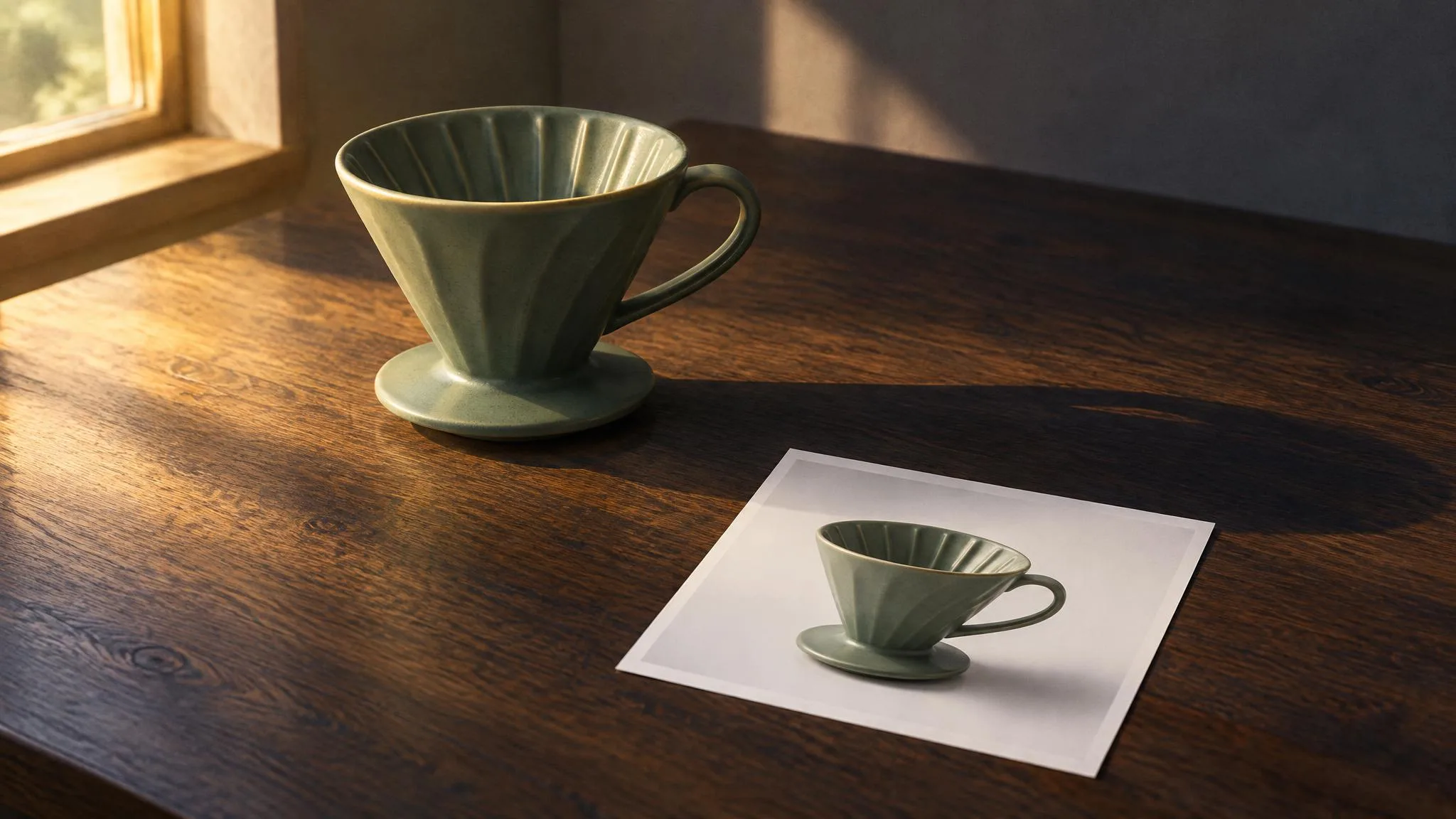
Luma Uni 1 is Luma AI's image model. It comes in two tiers, Uni 1 and Uni 1 Max, and each one runs on LUVI as text-to-image and as an edit: Uni 1 Text-to-Image costs 89 credits per image and Uni 1 Max 220, as of October 20, 2026. LUVI has no prompting guide of its own for this family yet, so the rules below come from Luma's documentation, checked against what the LUVI version of the model actually accepts.
Uni 1 or Uni 1 Max: what's the difference?
Uni 1 Max is the higher-quality tier, and on LUVI it costs about two and a half times as much. Luma's API documentation describes it only as producing "higher-quality output than uni-1." Both tiers take the same prompt and the same settings on LUVI, so the practical approach is to draft on Uni 1 and move a prompt to Max once the composition is right. The four prices, per image:
- Uni 1 Text-to-Image: 89 credits
- Uni 1 Edit: 96 credits
- Uni 1 Max Text-to-Image: 220 credits
- Uni 1 Max Edit: 227 credits
The frame shape and the choice of JPEG or PNG don't change the price.
How should a Uni 1 prompt be written?
A Uni 1 prompt reads like a brief to a photographer: subject, style, composition, light, setting, mood and the details that matter. Luma's prompting guide says the model "doesn't pattern-match keywords — it reasons through your intent before generating a single pixel." Four rules from that guide carry most of the weight:
- Say what you want, not what you don't. "Negative prompts aren't supported." Write "an empty beach at dawn," not "a beach, no people."
- Name the light. The guide calls lighting "the single biggest quality lever."
- Skip the keyword soup. "8k, ultra detailed, masterpiece" is on its list of things not to do.
- Put exact text in quotes. Uni 1 renders lettering, and the guide asks for the exact string inside quotation marks.
Luma's recommended lengths are 80 to 250 words for a new image, 100 to 300 when references are involved, and 30 to 100 for an edit. The prompt field takes up to 6,000 characters. A text-to-image prompt in that shape:
A ceramic pour-over coffee dripper in matte sage green, standing on a pale oak counter beside a glass carafe half full of coffee. Clean commercial product photography, morning side light from a window on the left, soft shadow falling to the right, shallow depth of field. A blurred kitchen shelf with white mugs in the background. Calm, warm and unhurried mood. Details: fine glaze speckles on the ceramic, a thin curl of steam above the carafe, a few coffee grounds on the counter.
How do edits work?
An edit changes one thing in an uploaded image and leaves the rest. Uni 1 Edit and Uni 1 Max Edit take one image and a short instruction, and Luma's template is two sentences: what changes, then what stays. "Change [specific element] to [new version]. Keep everything else the same." For example:
Change the background to a plain white seamless studio backdrop with soft, even light. Keep the product exactly as it is.
Make one change per edit. Luma recommends iterating "one change at a time" rather than fixing everything in one prompt, and at 96 credits an edit that costs little. The edited image keeps the shape of the one you upload: LUVI matches the edit's frame shape to your image, and Luma's documentation says the output dimensions come from the source.
What does LUVI's version leave out?
LUVI runs Uni 1 with a prompt, a frame shape and a file format. Several things in Luma's documentation aren't part of it:
- Reference images on text-to-image. Luma's API accepts up to nine references with roles such as style, character or lighting. On LUVI the text-to-image modes take a prompt only, and the edit modes take the one image being edited.
- Seed, style presets and web search. None of these appear in LUVI's settings for the family, so advice about locking a seed doesn't apply here.
- Some frame shapes. LUVI offers 16:9, 9:16, 1:1, 4:3, 3:4, 21:9 and 9:21. Luma documents nine shapes for Uni 1 and only 16:9, 9:16 and 1:1 appear on both lists.
Is Luma Ray 3.2 on LUVI too?
Yes. Luma's video model runs on LUVI as text-to-video, image-to-video and video-to-video, and it works differently from Uni 1:
- Text-to-video and image-to-video: 5 or 10 seconds at 540p, 720p or 1080p. A five-second clip at 720p costs 660 credits; 10 seconds at 720p costs 1,980, and five seconds at 1080p costs 2,640. A seamless loop is available on five-second clips, and image-to-video takes an optional last frame.
- Video-to-video: restyles a source clip of up to 10 seconds. The strength setting runs from
adhere(stay close to the source) throughflextoreimagine(transform it). Five seconds at 720p costs 2,376 credits.
How we checked
- Models: Luma Uni 1 and Uni 1 Max (text-to-image and edit), Luma Ray 3.2 (text-to-video, image-to-video, video-to-video).
- What was read: the parameter contracts and credit quotes on LUVI, the public model pages, LUVI's pricing code for the family, and Luma's own documentation listed below. Both example prompts were run through LUVI's prompt check, which has no family-specific rules for Uni 1.
- Date: October 20, 2026.
- Results: the prices above, each matching LUVI's pricing code; the default prices match the public model pages.
- Drawbacks: No outputs were generated for this post, so it makes no claim about output quality, or about how Uni 1 treats the frame shapes Luma doesn't list.
In LUVI
Pick Uni 1 in the Workspace, choose the frame shape before you write, and keep the first prompts on the cheaper tier. Because there's no family manual yet, the prompt check has no Uni 1 rules to apply, so the four rules above are the manual. For edits, the reference media guide covers attaching the image.
New accounts start with 200 credits, and verifying a phone and a card adds up to 1,500 more. Create a LUVI account and try one prompt on both tiers.
Sources
- Prompting guide — Luma AI, Luma Agents API guide. Accessed October 20, 2026.
- Image generation — Luma AI, Luma Agents API guide. Accessed October 20, 2026.
- Uni-1 Start Guide — Luma AI, learning hub, March 22, 2026. Accessed October 20, 2026.
More from Guides
- How to split an image into layers with Seedream 5.0: what comes back and how to choose the elementsSeedream 5.0 Pro and Flash turn one image into a base image plus up to 16 transparent PNG layers. Leave the prompt empty to separate every main element, or name the ones you want, even by box coordinates. The estimate shows up to 612 credits on Flash; the charge follows the layers returned.
- How to prompt Nano Banana 2.1: prose in, settings out, and no transparent backgroundNano Banana 2.1 reads plain prose and nothing else: describe what should be in the frame, never what shouldn't, and set size and shape in the controls. On LUVI it starts at 80 credits for text-to-image, 83 for an edit and 400 for its video-to-still mode, all at 1k.
- Can you make videos in ChatGPT? Connect Veo, Kling and Seedance through LUVIYes, if your ChatGPT plan lets you add a custom MCP server: add LUVI under Plugins, sign in to your LUVI account, and ChatGPT can quote and run Veo 3.1, Kling, Seedance 2.5 and Nano Banana on your LUVI credits. Name LUVI and the model in the message, and ask for the quote first.