
Hunyuan3D doesn't read your prompt: on image-to-3D, the picture is the whole brief
On Hunyuan3D's image-to-3D modes the text field is not read at all—the model's own contract says it accepts no prompt. Every bit of control you have is in how you prepare the input image. Meshes start at 600 credits on Rapid and 1,000 on Pro.
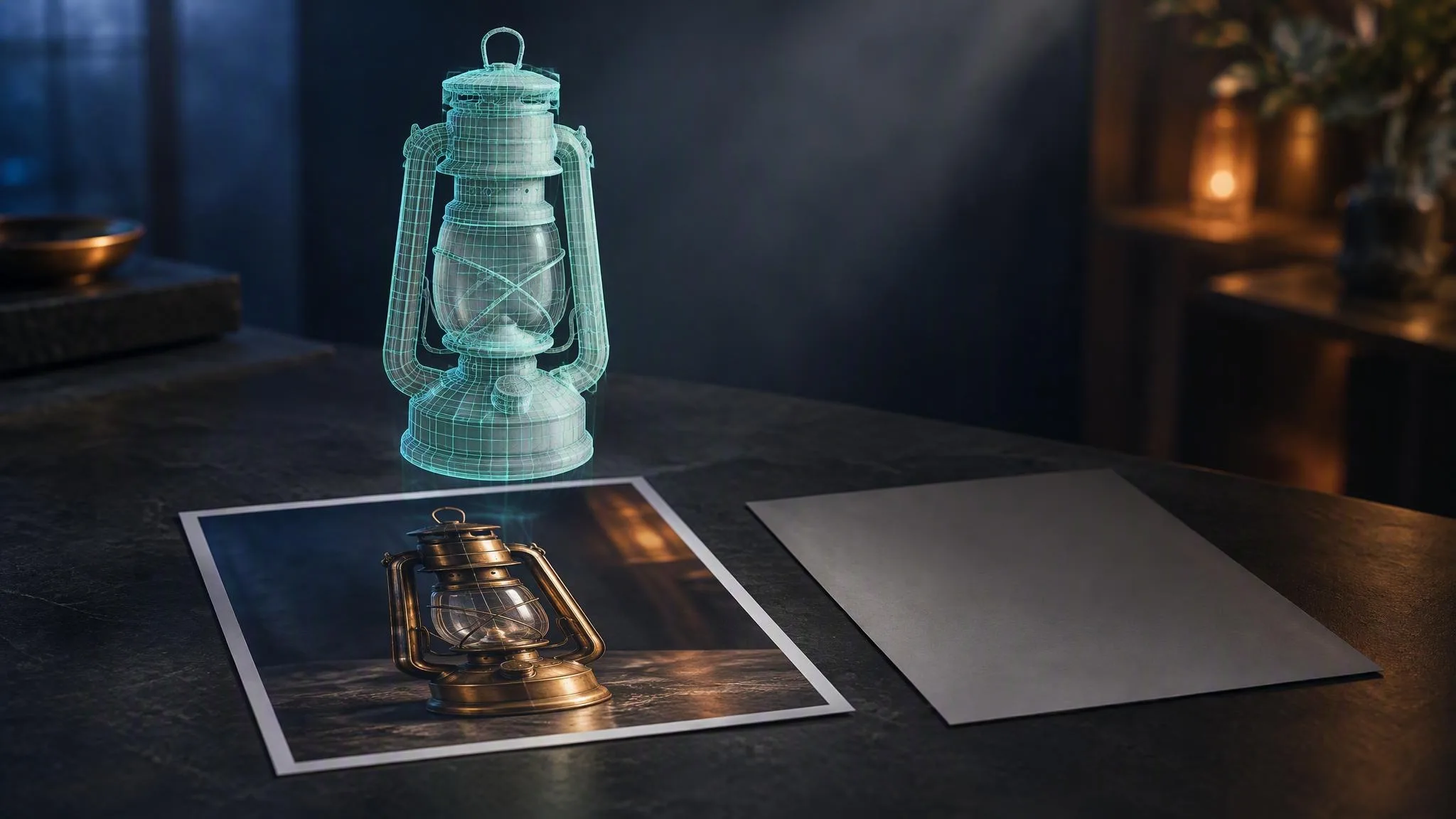
Hunyuan3D is Tencent's 3D generator and the only 3D family in LUVI's catalog. It runs in two tiers—Rapid and Pro—each with an image-to-3D and a text-to-3D mode. The thing worth knowing before you spend anything: on the image-to-3D modes, the model's contract on LUVI reports that it accepts no prompt at all. Whatever you type there is not sent. The input image is the entire instruction.
So where does the control actually live?
In the picture you upload, and in five properties of it. Our manual for the family is direct about this: image-to-3D ignores your text, and geometry comes from pixels rather than from words. What shapes the mesh is:
- One isolated object. Not a scene, not a product with props beside it. The model reconstructs what it sees as the subject.
- A clean, plain background. Anything busy behind the object competes to become part of it.
- Flat, even lighting. Hard shadows get read as shape, and baked highlights get read as material.
- A near-front view, roughly within twenty degrees of eye level. Extreme angles hide the surfaces the reconstruction needs.
- A T-pose or A-pose for characters, so limbs are separated rather than overlapping the body.
If you are getting fused limbs, a flat back, or a mesh that looks like the object was carved out of its own shadow, the fix is a new photograph or a cleaned-up render—never a longer prompt.
Does the text-to-3D mode read the prompt?
Yes. That is the difference between the two modes, and the model contract states it plainly: tencent/hunyuan3d-pro/text-to-3d accepts a prompt, tencent/hunyuan3d-pro/image-to-3d does not.
It is worth knowing which one you are in, because the two failure modes look nothing alike. A weak text-to-3D result means the description was too vague. A weak image-to-3D result means the photograph had something in it you did not intend to model.
A pragmatic workflow follows from that: if you have a concept but no clean reference, make the reference first with an image model, on a plain background and a front view, then feed that into image-to-3D. You get the control of a text prompt and the reconstruction quality of a clean input.
What do the parameters do?
Four of them, and two change what you pay.
generate_type,NormalorGeometry, on the Pro tier.Normalreturns a textured mesh;Geometryreturns an untextured white model. This is the cheapest way to check that the shape is right before you pay for texture.enable_pbr, off by default. It generates metallic, roughness and normal maps alongside the mesh—Tencent describes this part of the line as "Physically-Based Rendering (PBR) Texture Synthesis", using "physics-grounded material simulation to generate textures with photorealistic light interaction". It has no effect whengenerate_typeisGeometry.face_count, from 40,000 to 1,500,000 polygons on the Pro tier. Game and AR pipelines usually want the low end; a hero asset for a render can take the high end.format, on the Rapid tier: GLB, OBJ, USDZ, FBX, STL or MP4. GLB is the default and the one the LUVI viewer shows.
What does a mesh cost?
Flat per generation, and the configuration moves it. Checked on September 22, 2026:
- Rapid, GLB without PBR: 600 credits.
- Pro,
Geometry(untextured): 1,000 credits. - Pro,
Normal(textured), no PBR: 1,400 credits. - Pro,
Normalwith PBR and a 500,000-face mesh: 1,800 credits.
The practical consequence is a cheap rehearsal step. Run the shape at Geometry first, look at it, and only pay for texture and PBR once the silhouette is what you wanted.
How we checked
- Models:
tencent/hunyuan3d-pro/image-to-3d,/text-to-3d, and thehunyuan3d-rapidpair. - Settings:
generate_typeNormal and Geometry,enable_pbron and off,face_countat its 40,000 floor and at 500,000, all six Rapid output formats. - Date and what was read: September 22, 2026. Model contracts and credit estimates from LUVI, the prompting guide LUVI runs for this family, and the Tencent repository linked below.
- Results: the contract reports
acceptsPrompt: falseon both image-to-3D modes andtrueon both text-to-3D modes. Credit figures as listed above, each confirmed against the live model pages. - Drawbacks: No meshes were generated for this post, so it makes no claim about output quality. Tencent's public repositories document the 2.x line; LUVI's rows are the Pro (v3.1) and Rapid tiers, so the image-preparation rules above come from our own manual rather than from a vendor page.
In LUVI
Pick the mode before you pick the tier. Drop your image into Hunyuan 3D Rapid Image-to-3D for a first look, and move up to Pro when the input is clean and you want the polygon budget and the PBR maps.
The prompt box will still be there on the image modes, and the feather button will still run the family's guide for you—but on this family the guide's advice is about the photograph, not the sentence. That is the honest answer, and it is the one LuviTransLex gives.
If your reference image needs cleaning up first, the image families in the same account can do it, and the whole chain can be wired as a workflow or driven from Claude through the LUVI connector.
New here? Create a LUVI account and spend your first 600 credits on a Rapid mesh from a photo you have already got—it tells you more about your photograph than about the model.
Sources
- Hunyuan3D-2.1 — Tencent Hunyuan, project repository. Accessed September 22, 2026.
- Hunyuan3D — Tencent, product site. Accessed September 22, 2026.
More from Guides
- How to prompt Hailuo: fifteen camera commands, written in square bracketsHailuo takes its camera direction as a bracketed command from a closed list of fifteen, placed inline where the move happens—[Push in], [Tracking shot], [Static shot]. It is also picture only, so every word you spend on sound is wasted. Six seconds start at 380 credits.
- How to prompt Wan 3.0—name the camera in every shot, or it cuts for youWan 3.0 reads an additive formula—entity, scene, motion, then the look, then the sound—and it renders audio in the same pass. Leave the camera unnamed and it will cut inside a clip you wanted as one take. Five seconds runs from 400 credits at 480p.
- Seedream 5.0 Pro: why '16:9' in your prompt does nothing, and what to write insteadSeedream 5.0 Pro has no aspect ratio parameter. The shape lives in size, written as WIDTH*HEIGHT with an asterisk, and a ratio typed into the caption is ignored. Here are the thirteen legal sizes, the thinking switch, and the caption it rewards. From 144 credits per image.